Build Your AI Second Brain with OpenClaw
 العربية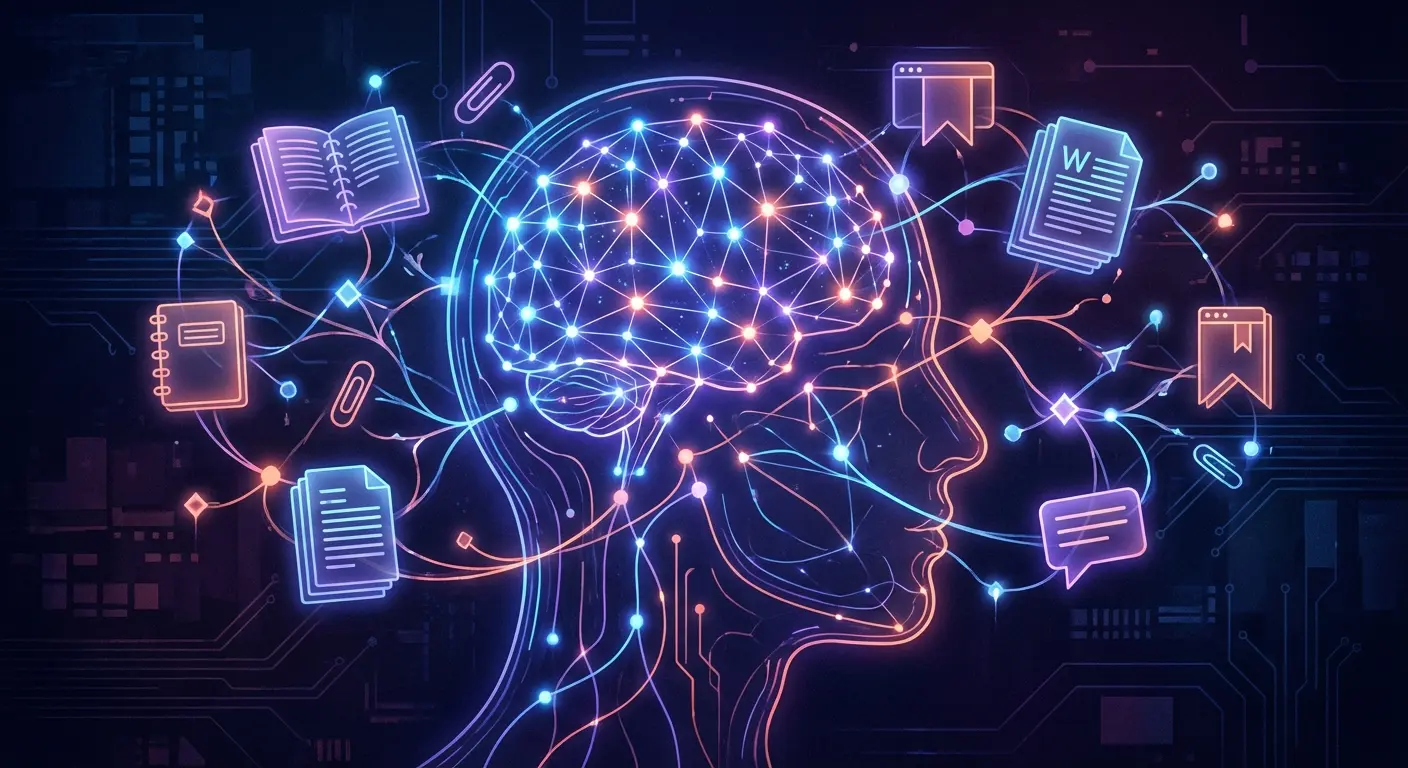
You've read thousands of articles. Saved hundreds of bookmarks. Written countless notes. But when you need that one thing you learned six months ago... where is it?
The problem isn't storing information. It's retrieving it.
This is where AI changes everything. An AI second brain doesn't just store your knowledge — it understands it, connects it, and retrieves it on demand.
What Is an AI Second Brain?
A second brain is an external system that holds your knowledge so your actual brain doesn't have to. Traditionally, this meant apps like Notion, Obsidian, or Evernote.
An AI second brain adds intelligence:
- You can ask your knowledge base questions in natural language
- It finds connections you didn't know existed
- It summarizes and synthesizes across documents
- It grows smarter as you add more information
Instead of searching through folders and tags, you just ask: "What did I learn about X?" and get an answer.
How OpenClaw's Memory Works
OpenClaw stores memory in simple Markdown files on your local machine. This is intentional — it's human-readable, portable, and you own it.
The Memory Structure
/memory
  /2026-02-15.md      # Today's notes
  /2026-02-14.md      # Yesterday's notes
  /projects/
    /project-x.md     # Project-specific context
  /people/
    /john-smith.md    # What you know about John
/MEMORY.md            # Long-term curated knowledge
Daily Notes
The AI automatically logs interactions, decisions, and context to daily files. This creates a running record of what happened when.
Long-Term Memory
MEMORY.md is for curated knowledge — things worth keeping permanently. The AI can read and update this, distilling daily notes into lasting insights.
Semantic Search
When you ask a question, OpenClaw doesn't just keyword-search your files. It uses semantic search — understanding the meaning of your question and finding relevant information even if the exact words don't match.
Ask "What was the pricing strategy we discussed?" and it finds the note about "revenue model conversations" even though "pricing" never appears.
Setting Up Your Second Brain
Step 1: Define Your Memory Structure
Create a folder structure that matches how you think:
- /memory/daily/ — automatic daily logs
- /memory/projects/ — project-specific context
- /memory/people/ — relationship context
- /memory/topics/ — subject-matter knowledge
- /memory/decisions/ — important decisions and rationale
Step 2: Feed It Your Existing Knowledge
Import what you already have:
- Export from Notion/Obsidian — most export to Markdown
- Bookmarks — have AI fetch and summarize saved articles
- Documents — PDFs, docs, presentations
- Email threads — export important conversations
You don't have to do this all at once. Start with what's most valuable and add over time.
Step 3: Teach It What Matters
Configure SOUL.md and AGENTS.md to tell the AI:
- What topics you care about
- How to organize new information
- What to remember vs. what to forget
- When to proactively surface information
Step 4: Query and Grow
Now use it:
- "What do I know about [topic]?"
- "When did I last talk to [person]?"
- "Summarize my notes on [project]"
- "What decisions did I make about [subject]?"
- "Find connections between [topic A] and [topic B]"
The more you use it, the more it learns. The more it learns, the more useful it becomes.
📬 Get practical AI insights weekly
One email/week. Real tools, real setups, zero fluff.
No spam. Unsubscribe anytime. + free AI playbook.
Real Example: Research Workflow
Here's how one user uses OpenClaw as a second brain for research:
- Save article: "Remember this article about quantum computing" + URL
- AI fetches, summarizes, saves to
/memory/topics/quantum.md - Weeks later: "What have I learned about quantum computing?"
- AI retrieves all saved articles, notes, connections
- Synthesizes a summary with sources
Result: "Dumped 5,620 OpenClaw posts into my second brain. Now it answers setup questions faster than I can type them." — @hellorahulk
Privacy Advantage
This is the killer feature over cloud alternatives:
- Notion AI — your data on their servers, training their models
- ChatGPT memory — OpenAI stores everything
- OpenClaw — Markdown files on YOUR machine
Your second brain contains sensitive stuff — business strategies, personal reflections, relationship notes. With OpenClaw, it never leaves your control.
Integrations That Supercharge It
Obsidian/Notion Sync
Point OpenClaw at your existing Obsidian vault or exported Notion workspace. Your notes become queryable instantly.
Browser Extension
Save articles directly to your second brain while browsing. AI summarizes and files them automatically.
Email Integration
Important emails auto-save to relevant project/person folders. Conversations become searchable context.
Calendar Context
Before meetings, AI surfaces everything you know about the people and topics involved.
The Compound Effect
A second brain gets more valuable over time:
- Week 1: Basic notes, testing queries
- Month 1: Building context, some useful recalls
- Month 6: Rich knowledge base, AI knows your patterns
- Year 1: Comprehensive personal knowledge system
The people who stuck with second brain systems for years have an unfair advantage. AI accelerates this dramatically.
Common Mistakes
1. Trying to Import Everything at Once
Start small. Import what you use most. Add more gradually.
2. Too Much Structure
You don't need 50 folders. Simple is better. Let the AI handle organization.
3. Never Reviewing
Occasionally review what the AI is storing. Correct misunderstandings. Curate what matters.
4. Forgetting to Use It
A second brain only works if you query it. Build the habit of asking before starting from scratch.
Getting Started
The minimal viable second brain:
- Create a
/memoryfolder - Tell your AI to log daily notes there
- Start asking questions: "What do I know about..."
- Gradually add your existing knowledge
Within a week, you'll wonder how you lived without it.
Want help setting this up properly? We configure your AI second brain with the right structure, integrations, and memory settings — ready to grow with you.
This is just the basics.
We handle the full setup — AI assistant on your hardware, connected to your email, calendar, and tools. No cloud, no subscriptions. Just message us.
Get Your AI Assistant Set UpRelated Articles
15 Real OpenClaw Use Cases (From People Actually Using It)
Not theory — real use cases from people running OpenClaw right now. Email automation, lead handling, trading bots, second brain, and more.
OpenClaw Just Solved the Biggest Problem with AI Agents
OpenClaw's new human-in-the-loop approval system means AI agents can act autonomously but still need your OK for critical decisions. Supervised autonomy explained.
Meta Just Bought the Social Network Where AI Bots Talk to Each Other
Meta acquires Moltbook, the AI-to-AI social network built on OpenClaw. What this means for multi-agent systems.